One system for the whole hair-loss consult
Hair report and doctor-approved prescription — in minutes.
Guided photos and a short health questionnaire in the app. AI grade and zone analysis in seconds, a clinic-branded report in under a minute, a prescription drafted by your own protocol and approved by your doctor in about two minutes — then on the patient's WhatsApp, with a link to order treatment to their door.
- AI grade & zone analysis
- Seconds
- clinic report generated
- < 60 s
- doctor review & approval
- ~2 min
SecondsPhotos and health answers arrive · AI grade & zones
Live today
Shipped, in daily clinical use.
Not a roadmap. Every part below is in production, and a clinic business is already running its hair-loss consults on it every day across 2 live clinics.
Android appLive
Guided five-view capture and the health questionnaire, in your clinic's branding.
iOS appLive
The same capture, questionnaire, report and reminders on iPhone.
Web appLive
Patients upload photos, answer the questionnaire and open reports from any browser.
Admin panelLive
The clinic's control centre: patients, scans, doctor queue, protocol, staff, branches.
Health questionnaireLive
10–15 questions after the photos, so each prescription fits the patient's history.
Doctor e-prescriptionLive
Drafted by your clinic's protocol; approved and e-signed by a registered doctor.
WhatsApp deliveryLive
Report, signed prescription and an order link the moment the doctor approves.
Order & deliveryLive
Patients order from your clinic's order page; a licensed pharmacy partner delivers.
End to end · 9 steps
From five photos to a signed prescription on WhatsApp — in minutes.
This is the path every patient takes. Each step happens inside the platform, so nothing is retyped or lost between the patient, the front desk and the doctor — and nothing reaches the patient before a registered doctor approves.
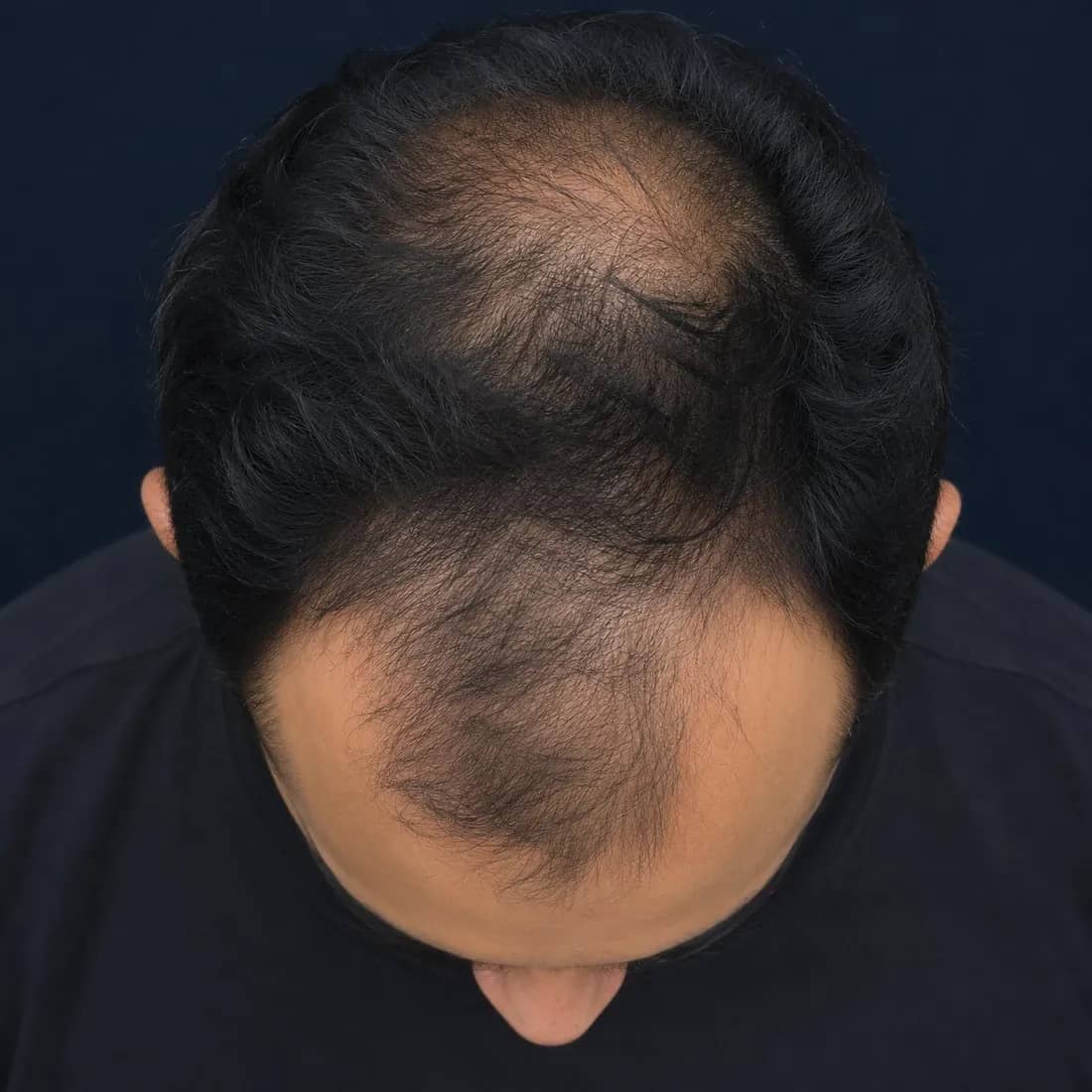
Guided photos
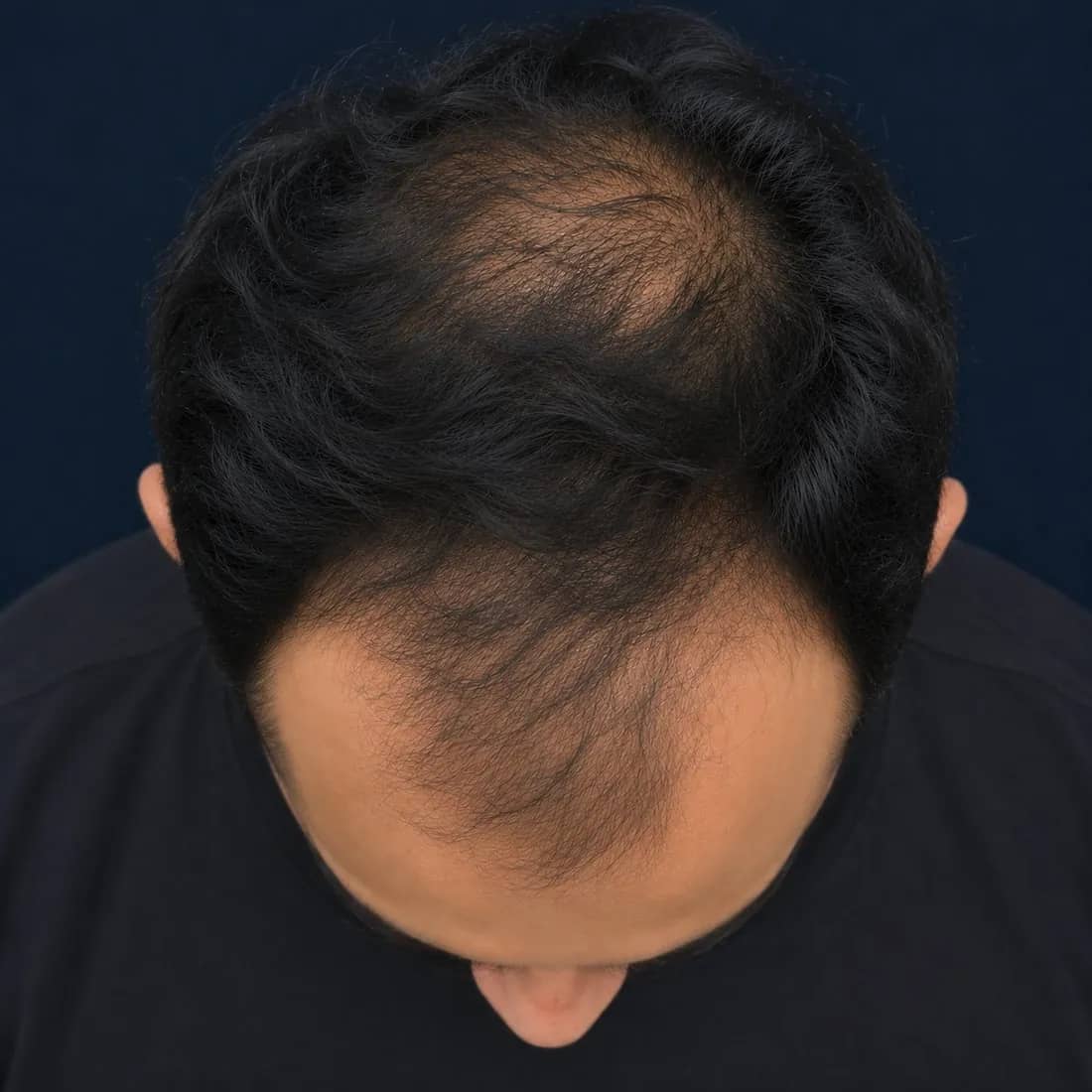
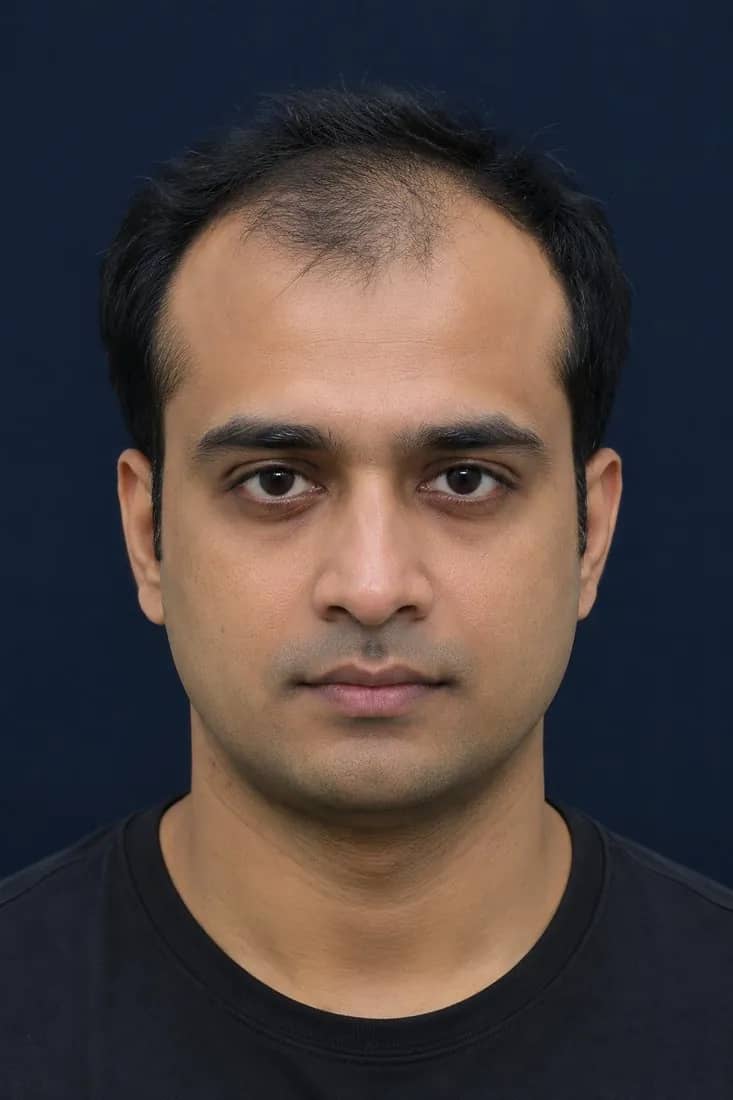
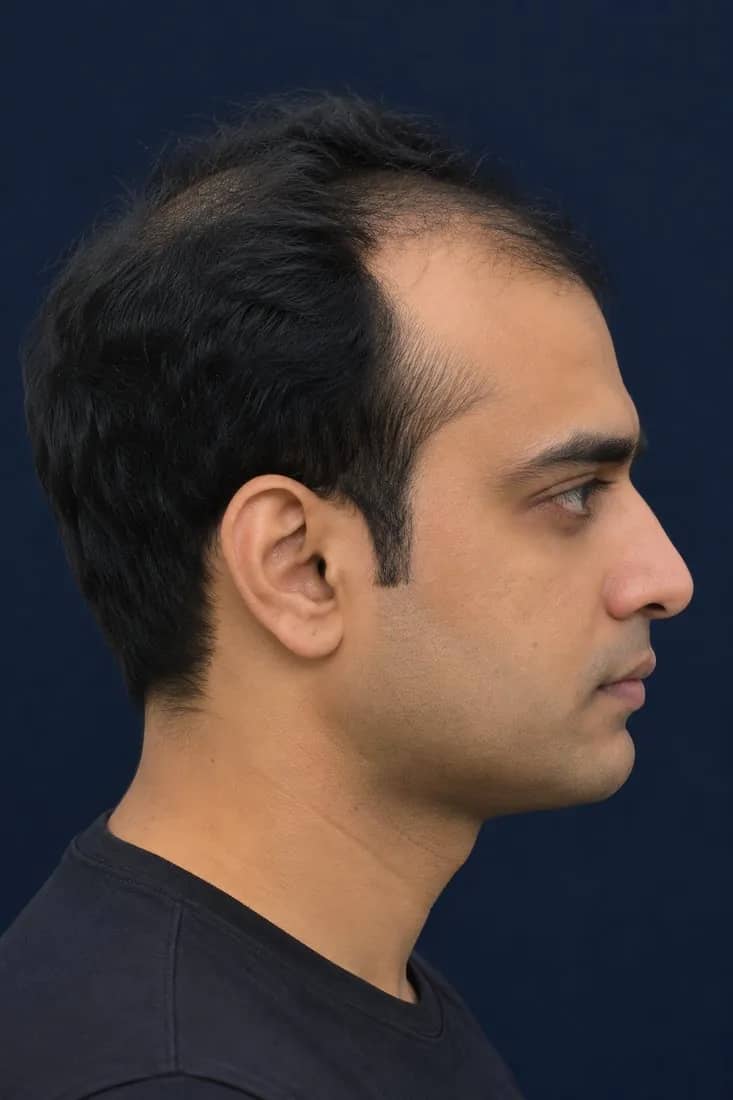
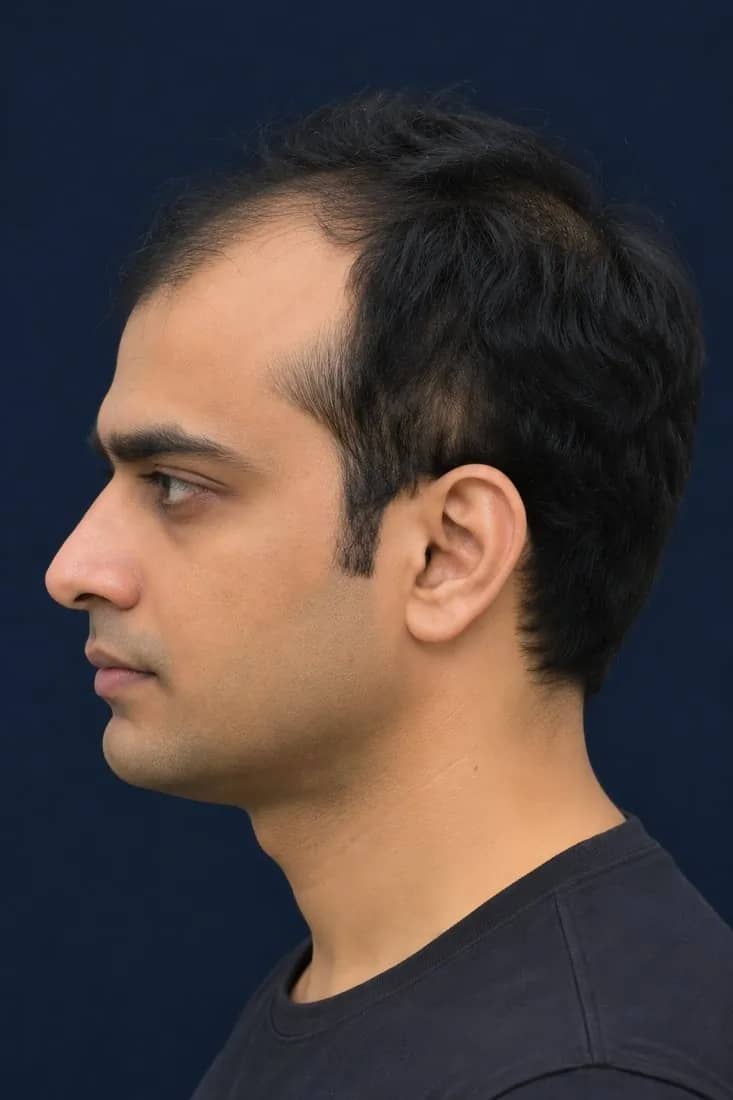
Five standard views — front, left, right, top, back — captured in the app by the patient or at the front desk, with live alignment and quality checks.
Health questionnaire
Personalised by a 10–15 question health history.
Right after the photos, the patient answers 10–15 short questions in the app — one per screen, a tap each. Answers sit next to the photos, so the drafted prescription fits the person — not just the scalp.
- Answers are saved on the patient record, next to the photos and findings
- Your clinic's protocol uses them when it drafts the prescription
- The doctor sees the answers alongside the findings before approving
For doctors · e-prescription
Drafted by your protocol. Approved by your doctor.
Your clinic's treatment protocol — a standard rule set — is applied to the report and the questionnaire answers to draft a personalised prescription. A registered doctor reviews, edits and e-signs it in about two minutes, and it reaches the patient on WhatsApp instantly, with a link to order.
- 1
Drafted by your protocolProtocolAutomatic
Grade, zone thinning % and the questionnaire answers run through your rules. The draft is marked unsigned.
- 2
Doctor reviews & editsDoctor
Photos, findings and answers side by side. Add, remove or change any line; adjust dosing, duration and sessions.
- 3
Approve & e-signDoctor~2 min
The doctor approves with their digital signature. The approver, time and every change are logged.
- 4
Prescription PDF
Generated on the clinic's letterhead, signed, ready to share.
- 5
WhatsApp, with an order linkInstant
Report, signed PDF and a link to your clinic's order page reach the patient the moment the doctor signs.
- The AI measures and maps; it never issues a prescription
- Drafts only use treatments in your clinic's protocol and catalogue
- Nothing is sent until a registered doctor e-signs
- The protocol draft and the doctor's final version are both kept
- 1.Topical — frontal & crown7[Clinic formulation] · twice daily · 6 months
- 2.Oral therapy[Per clinic pathway] · review bloods at week 12
- 3.PRP · 4 sessionsCrown focus · every 4 weeks
- 4.Re-scan at month 4Same five views · compare against baseline
Advice: Gentle shampoo, avoid tight hairstyles. Return earlier if shedding increases.
Drafted by [Your Clinic Name]'s treatment protocol from the report and health questionnaire; reviewed, edited and e-signed by the doctor named above.
On every prescription
In line with India's Telemedicine Practice Guidelines (2020).
- 1Clinic letterhead: name, address, contact
- 2Doctor's name and qualification
- 3Registration number
- 4Patient's name, age, sex and patient ID
- 5Date of the consultation
- 6Findings: grade and zone thinning %
- 7Therapy lines with dosing, duration and advice
- 8Doctor's digital signature
What the patient receives
On WhatsApp the moment the doctor signs.
Patients leave with something they can read, share and act on at home — not a verbal summary they half remember. Everything arrives on WhatsApp under your clinic's name, with consent.
- 01
Report link
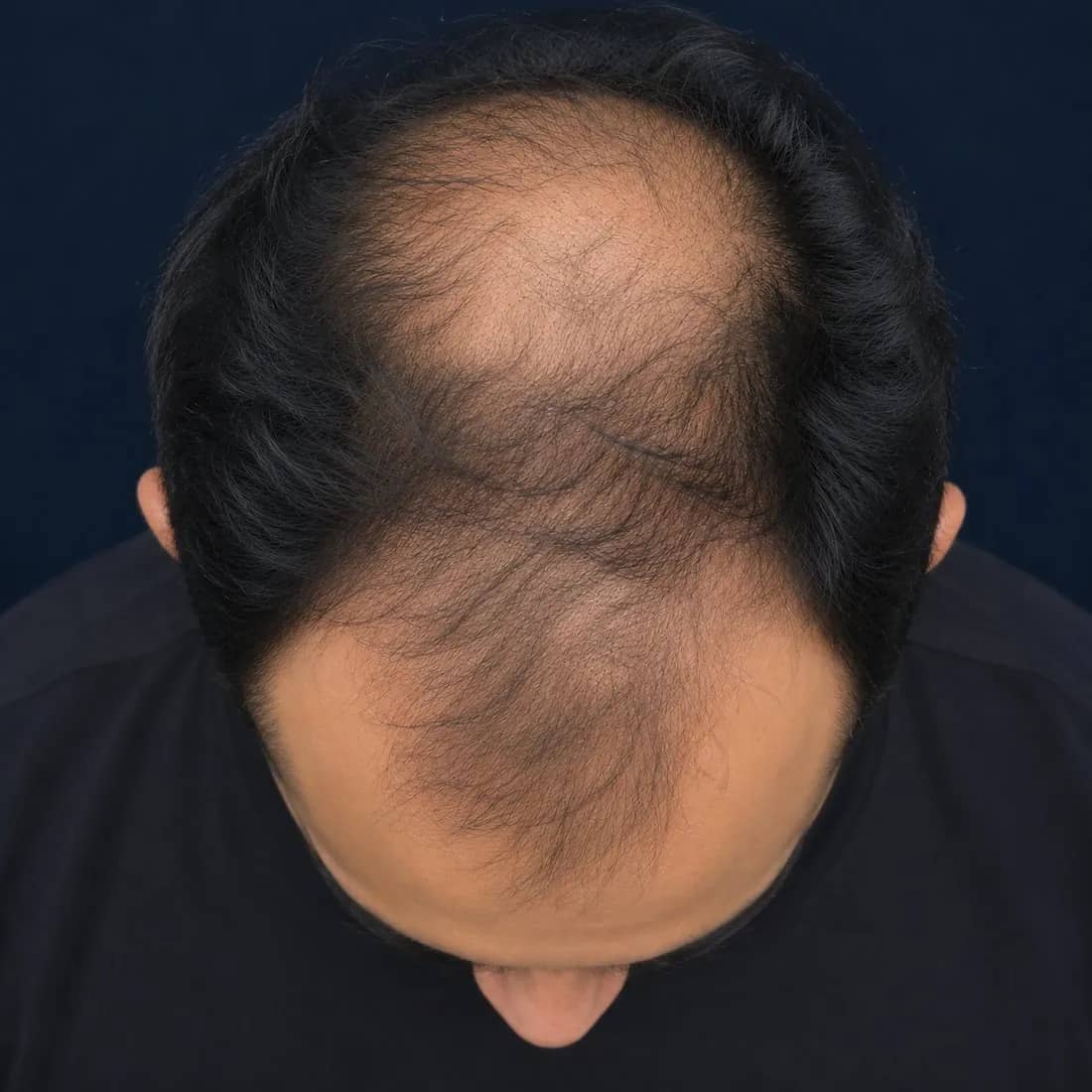
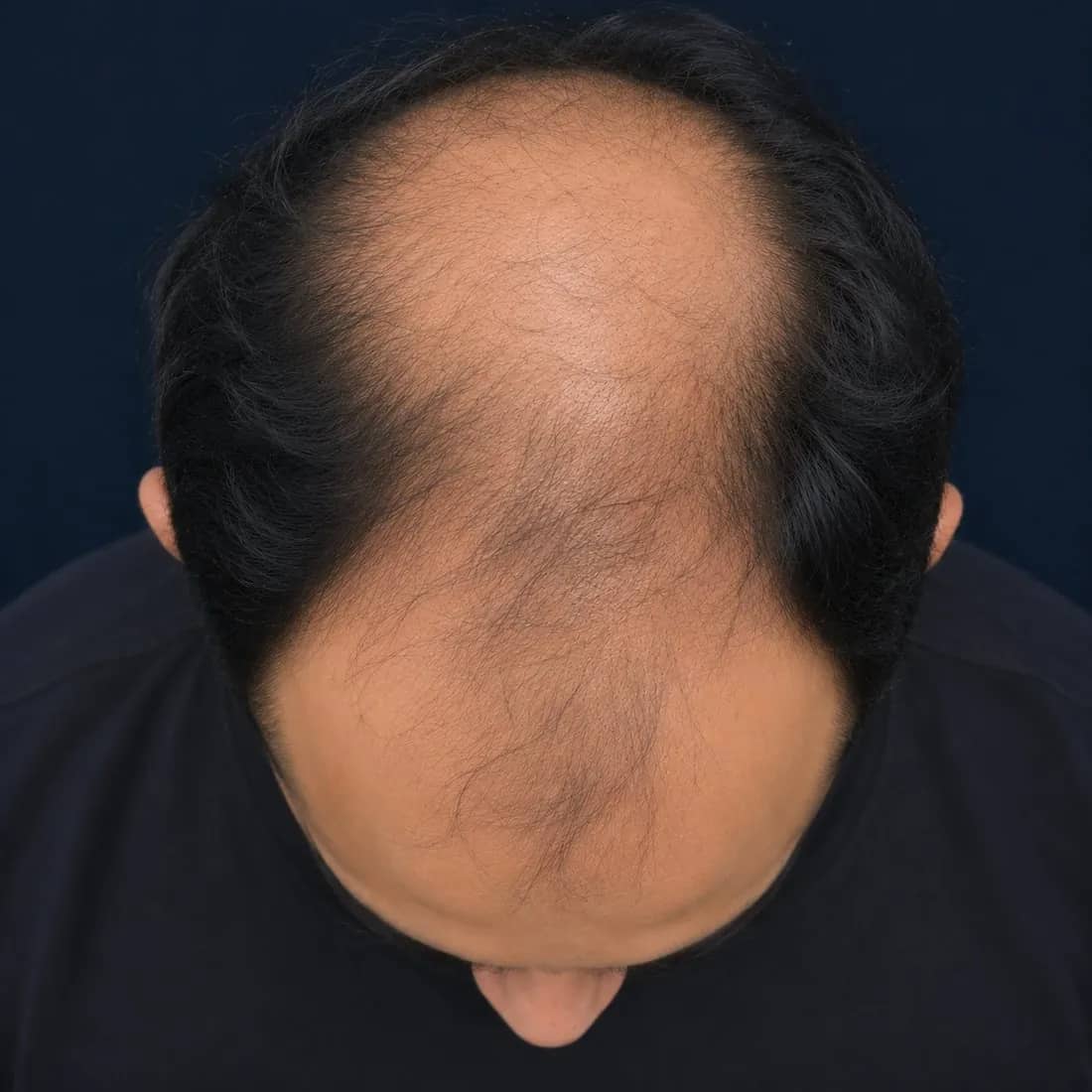
Annotated photos, grade and zone thinning % in plain language, with the progression outlook, branded to your clinic.
- 02
Signed prescription PDF
On your letterhead, e-signed by the treating doctor.
- 03
Order link
Opens your clinic's order page, so the prescribed treatment can be ordered to the door.
- 04
Reminders
Adherence check-ins and a re-scan reminder timed to the treatment plan.
Order & doorstep delivery
From prescription to the patient's door.
The order link in the WhatsApp message opens your clinic's own order page — not a checkout inside the chat. A licensed pharmacy partner dispenses against the signed prescription and delivers to the patient's door.
- 01
Order link on WhatsApp
Sent with the report and the signed prescription, the moment the doctor approves.
- 02
Your clinic's order page
The prescribed treatment, already filled in from the signed prescription, under your brand.
- 03
Dispensed by a licensed pharmacy partner
Against the doctor's signed prescription — never without one.
- 04
Delivered to the door
The patient follows the order from placed to delivered.
No checkout inside WhatsApp, and nothing is dispensed without a doctor's signed prescription.
The admin panel
Your clinic's control centre, module by module.
The web admin panel is where the clinic runs the programme: who is seen, what is prescribed, what patients receive and who can see what. Pick a module to see the screen.
Every patient, every visit, one record
- Register patients at the front desk or let them self-register from the app
- Consent status recorded on the record before any photo is taken
- Health questionnaire answers on the record, next to the photos
- Visit history from baseline to latest follow-up, with grade and zone trend
Who uses which part
Four roles. Each sees what they need.
Role-based access is built in. The front desk never sees a signing screen, and only a registered doctor can approve a prescription.
Front desk
Registers patients, takes consent and captures the five views.
- Register patients & record consent
- Capture or upload the five views
- View scans & AI reports · Status only
- Send report, prescription & order link · After sign-off
Doctor
Reviews scans, edits drafts, approves and e-signs prescriptions.
- Register patients & record consent
- Capture or upload the five views
- View scans & AI reports
- Edit prescription drafts
- Approve & e-sign prescriptions
- Send report, prescription & order link
- Manage treatment protocol & catalogue · Medical director
Clinic admin
Runs the catalogue, templates, reminders, staff and branding.
- Register patients & record consent
- View scans & AI reports
- Send report, prescription & order link
- Manage treatment protocol & catalogue
- Branding, templates & reminders
- Staff, roles & branches
- Cross-branch reporting · Own branch
Owner
Sees every branch, its volumes and follow-up, and controls access.
- View scans & AI reports
- Branding, templates & reminders
- Staff, roles & branches
- Cross-branch reporting
Data & security
Patient data handled the way a clinic must.
Stored in India
Patient records, images and reports are stored in India (Mumbai region).
Encrypted
Encrypted in transit and at rest, across apps, admin panel and reports.
Consent first
Consent is captured in-app before photos are taken and before anything is sent on WhatsApp.
Role-based access
Staff see only what their role allows. Views, edits and signatures are logged.
No training without opt-in
Patient images are never used to train the model without a separate opt-in.
White-label
Your brand everywhere. Ours nowhere the patient looks.
Patients see your clinic, start to finish: the app icon and splash, the capture screens, the report, the prescription letterhead and the WhatsApp sender name.
- App icon & splash
- Capture & questionnaire
- Patient report
- Prescription letterhead
- WhatsApp sender
- Order page
Multi-branch
Run every branch from one panel.
Each branch has its own staff and doctors. Owners see scans, sign-offs and follow-ups across all of them, side by side.
Custom builds
Need your own app? We build it.
On request, Trichora designs and builds your clinic's own branded Android, iOS and web apps and admin panel on the Trichora engine. That is how the live client's system was built.
Get connected
See your clinic running on Trichora.
A 30-minute walkthrough of the admin panel, the apps and a live scan — photos and questionnaire to a signed prescription on WhatsApp, in minutes.
We'll reply within one working day. No patient data is required for a demo.
Clinic onboarding: about a weekSetup of your branding, protocol, catalogue, staff and WhatsApp account — done once, before your first patient.
In the demo
- A live five-view scan, the questionnaire and the measured report
- The protocol draft, doctor queue and e-signature
- WhatsApp delivery, the order page and tracking
- Your branding on the app, report and letterhead